
Theming & settings
Brand colour
One brand colour themes every np_menu surface. The web derives the tile ramp, accents and tinted glass from it, the same way np_hud does. Semantic colours (green confirm, red danger, …) never change.
Config.Theme = {
  brand = '#3d74ff',        -- nil = the neutral Nimbus grey
  strength = 'tiles',       -- 'accent' | 'tiles' | 'glass'
  allowPlayerBrand = false, -- true: players can pick their own brand colour in the settings menu
}| Strength | What gets the brand colour |
|---|---|
accent | Selection and accents only |
tiles | + the neutral tiles (and tint = 'brand' tiles) |
glass | + a hue in the glass surfaces |
Use tint = 'brand' on a row or header to follow the server colour.
Materials
| Material | Look |
|---|---|
frosted (default) | Dark frosted grey glass lit from above, the Nimbus UI default |
liquid | Liquid Glass: the iOS 26-style clear material from the Nimbus design system |
The server default is Config.Defaults.material. Players pick their own in the settings menu.
Staff skin
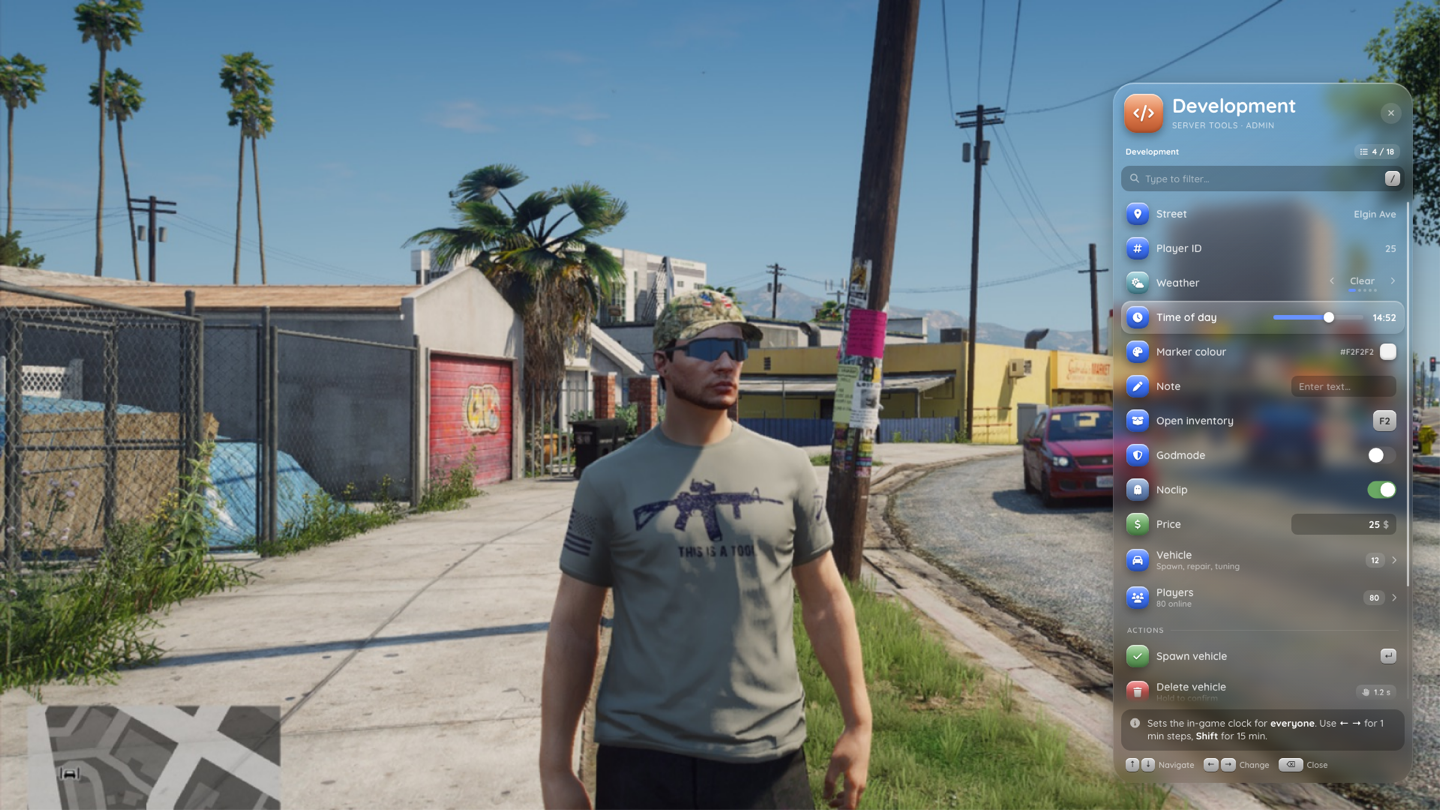
skin = 'staff' on a menu uses the red-edged danger glass, so staff see at a glance that they're in an admin tool. The built-in dev menu uses it.
Player settings
/menusettings (or the Settings tile in the quick menu) opens the settings menu. Choices are stored per player in client KVP, on top of Config.Defaults.
| Setting | Values | Default |
|---|---|---|
| Position | right, left, centre | Config.Defaults.position |
| Density | comfortable, compact | Config.Defaults.density |
| Material | frosted, liquid | Config.Defaults.material |
| Scale | 75 – 150 % | Config.Defaults.scale |
| Brand colour | colour picker. Only with Config.Theme.allowPlayerBrand = true, otherwise shown as locked | Config.Theme.brand |
| Sounds | on / off | Config.Defaults.sounds |
| Focus mode | walk, NUI | Config.FocusMode |
| Language | English, Deutsch | Config.Locale |
The menu also lists the current key bindings (read-only, they're changed in the FiveM key binding settings) and a Reset action that clears the player's overrides, so they follow the server defaults again.
A menu's own position wins over the player setting. Scaling follows the np_hud rule: the UI is designed for 1080p and zoomed by max(0.75, height / 1080) × scale.
From code
local s = exports.np_menu:getSettings()
-- { position, density, material, scale, sounds, locale, focusMode, brand, strength }

exports.np_menu:setSetting('position', 'left')   -- -> true, or false + 'invalid' / 'unknown_setting'
exports.np_menu:setSetting('position', nil)      -- back to the default
Valid keys: position, density, material, scale, sounds, locale, focusMode, and brand (only with allowPlayerBrand). Every change fires the local event np_menu:settingChanged (key, value).
Languages
English and German ship in shared/locales/. L(key, ...) falls back to English, then to the key. To add a language, add a file to shared/locales/ that calls NpMenu.addLocale('fr', { ... }) with the same keys as en.lua and the menus_*.lua files. The UI strings of the web (key hints, search, dialogs) are sent from Lua too.
Design system
The visuals are Nimbus UI (np_menu/design/, the same tokens and components as np_hud and np_phone), imported unchanged by the web. Menu-specific CSS lives in web/src/styles/menu.css.
The original concept mockups live in the np_menu repo under docs/mockups/renders/.