Prompts, progress & hotbar
Interaction prompts
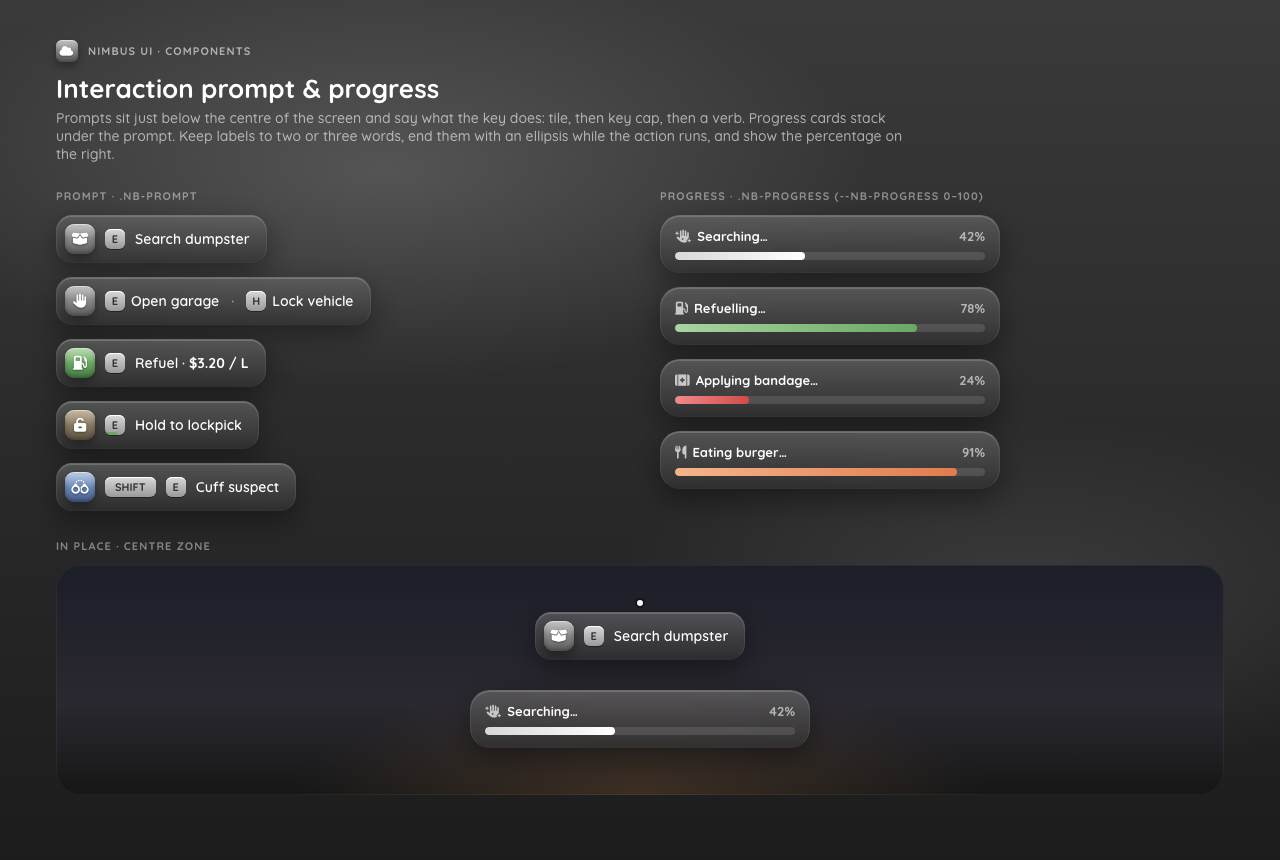
A centred prompt with up to 4 key caps. The same id replaces an existing prompt.
lua
-- e.g. from ox_target or a zone script
exports.np_hud:ShowPrompt({ id = 'atm', icon = 'credit-card', keys = { { key = 'E', label = 'Use ATM' } } })

-- shorthand for a single key
exports.np_hud:ShowPrompt({ id = 'dumpster', icon = 'box-open', key = 'E', label = 'Search' })

exports.np_hud:HidePrompt('atm') -- or HidePrompt() to hide all| Field | Notes |
|---|---|
id | string ≤ 64, default 'prompt' |
icon, tint | Optional tile |
keys | { key, label }[], max 4. key ≤ 12 chars (upper-cased), label ≤ 48 |
np_hud only draws the prompt. Your script still listens for the key itself.
Progress bars
Progress blocks, so call it from a thread. It returns true when the bar finished and false when it was cancelled.
lua
CreateThread(function()
  local ok = exports.np_hud:Progress({
    label = 'Repairing', icon = 'wrench', duration = 8000, tint = 'orange',
    canCancel = true,
    disable = { movement = true, vehicle = true, combat = true },
  })
  if ok then
    -- finished
  end
end)

exports.np_hud:CancelProgress()     -- → true if a bar was cancelled
exports.np_hud:IsProgressActive() -- → boolean| Field | Notes |
|---|---|
label | Required, ≤ 64 |
duration | Required, ms, 1–600000 |
icon, tint, id | Optional |
canCancel | Default true. Shows the cancel key (hudcancel, default X) |
disable.movement | Blocks move, sprint, jump, duck |
disable.vehicle | Blocks steering, accelerate, brake, exit |
disable.combat | Blocks attack, aim, melee, weapon wheel |
The bar returns false when:
- the player pressed the cancel key, or
CancelProgress()was called - the player died
- the resource stopped
- another bar is already running.
Progress()returnsfalseimmediately and doesn't queue the new bar.
Animations and props
np_hud doesn't play animations or attach props. Start your animation before the call and stop it afterwards.
Hotbar
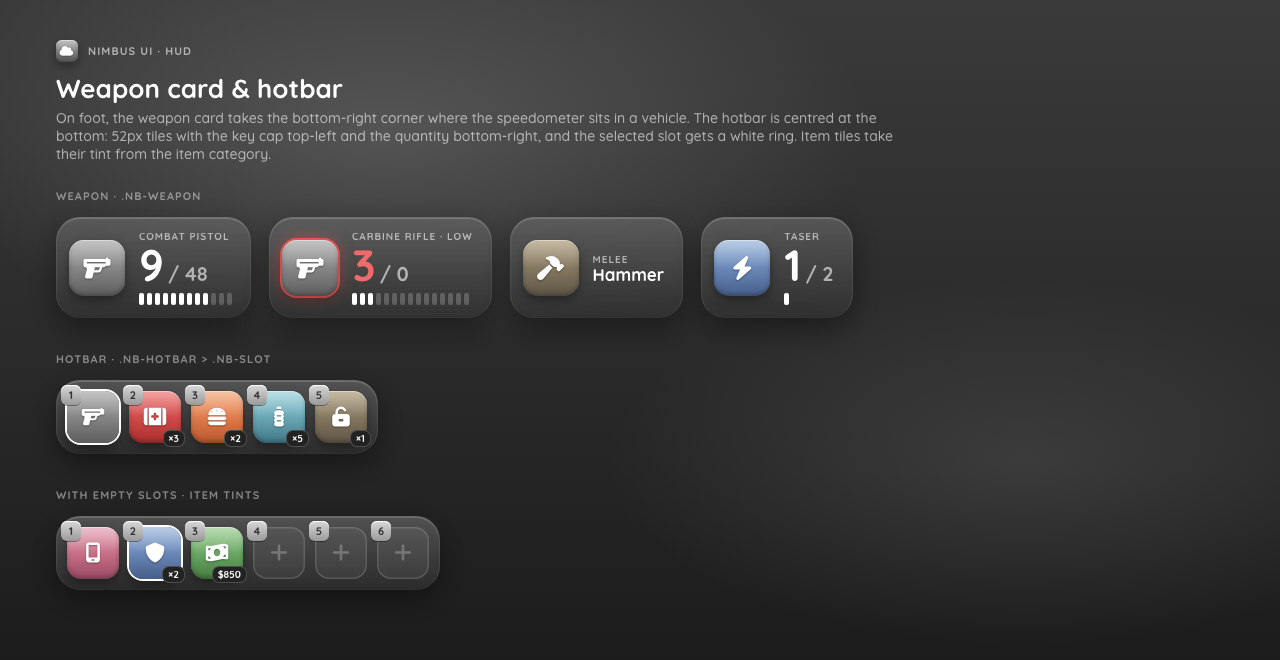
Turn on Config.Components.hotbar, then have your inventory push the slots:
lua
exports.np_hud:SetHotbar({
  { slot = 1, label = 'Pistol', icon = 'gun' },
  { slot = 2, label = 'Bandage', icon = 'kit-medical', tint = 'red', count = 3 },
}, 1) -- selected slot
Up to 10 slots. With Config.Hotbar.autoHide = 3000, each SetHotbar call shows the hotbar, and it hides again after 3 s. Pass a third argument to force it: SetHotbar(slots, selected, false) hides it right away. A slot without an icon renders as empty.