
np_menu v0.1.0
A menu system for FiveM built on the Nimbus UI design system, the same look as np_hud and np_phone: glossy grey squircle tiles, frosted glass lit from above, Quicksand type, and colour only where it means something.
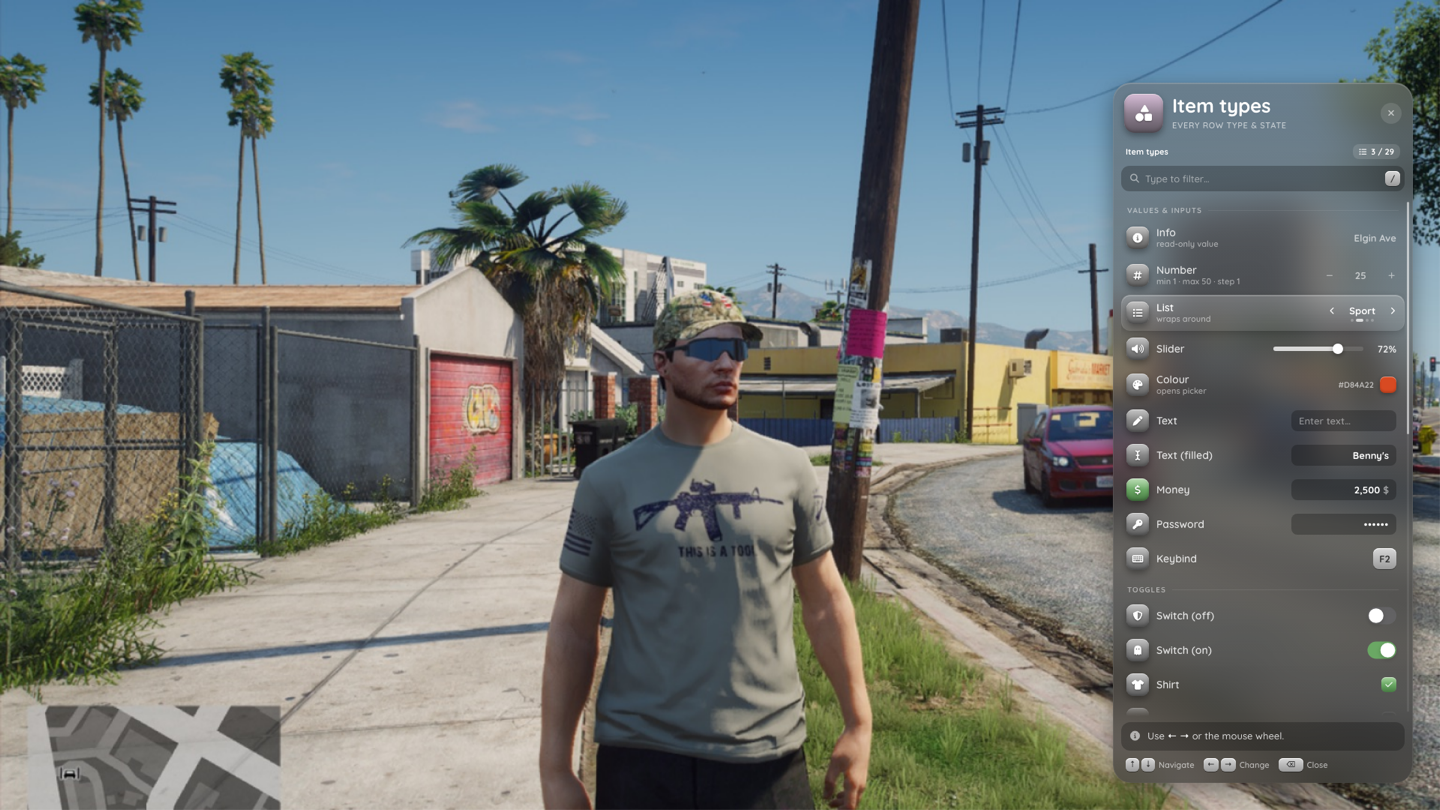
One data model drives several layouts: list menus, a phone-style grid, a hold-to-open radial wheel, world-anchored context menus, input and confirm dialogs, and toasts. Resources register menus through exports (or a small OOP wrapper) and keep their callbacks in Lua. Anything that touches money, items or admin powers goes through a server action with rate limits and permission checks.
Status: not yet tested on a live server
The Lua core, built-in menus and web UI are complete. Everything passes luac -p, the web build, and a plain-Lua harness that boots the resource against stubbed FiveM and framework APIs (tests/run.sh). It has not run on a real FiveM server with real frameworks yet.
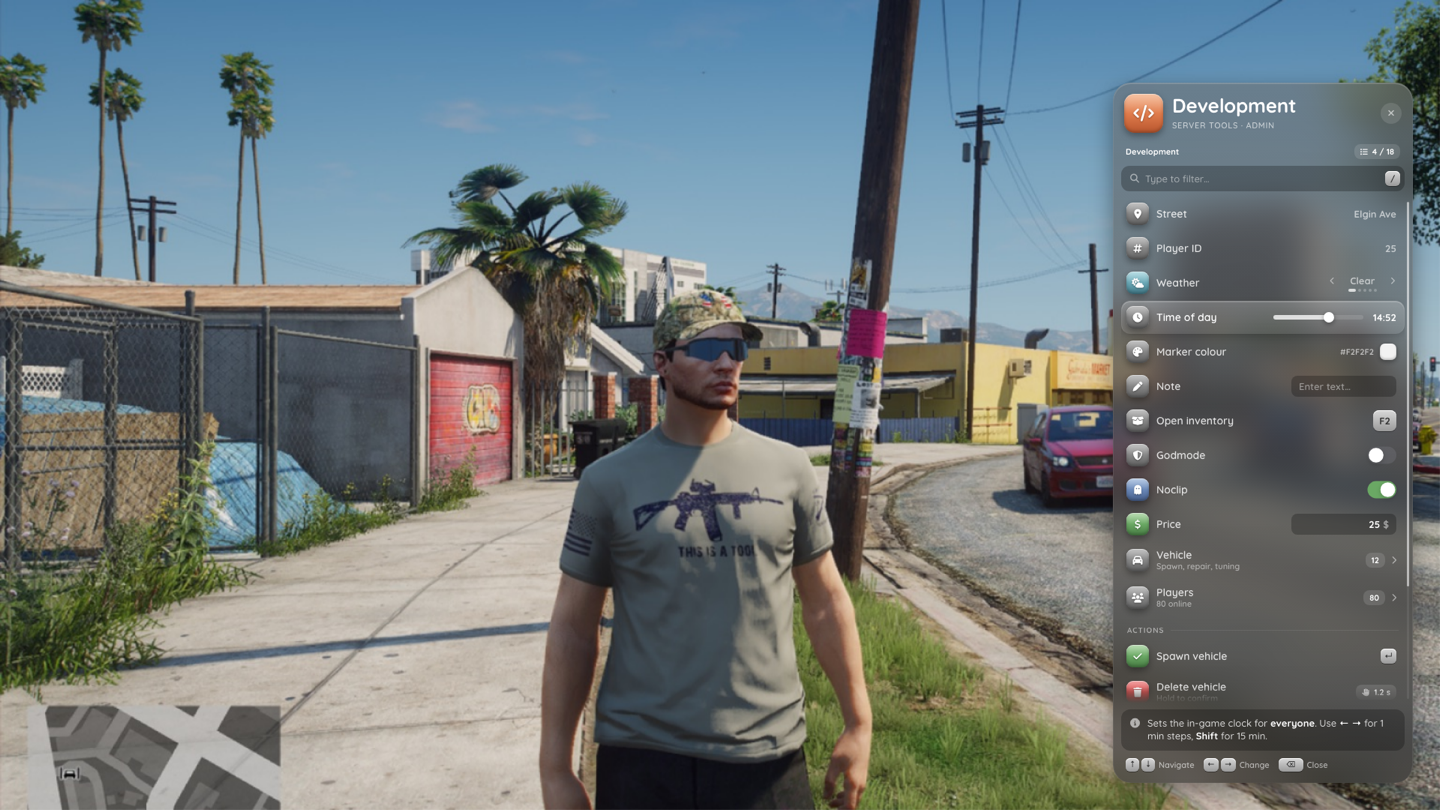
| Every item type | Quick menu (grid) |
|---|---|
 | 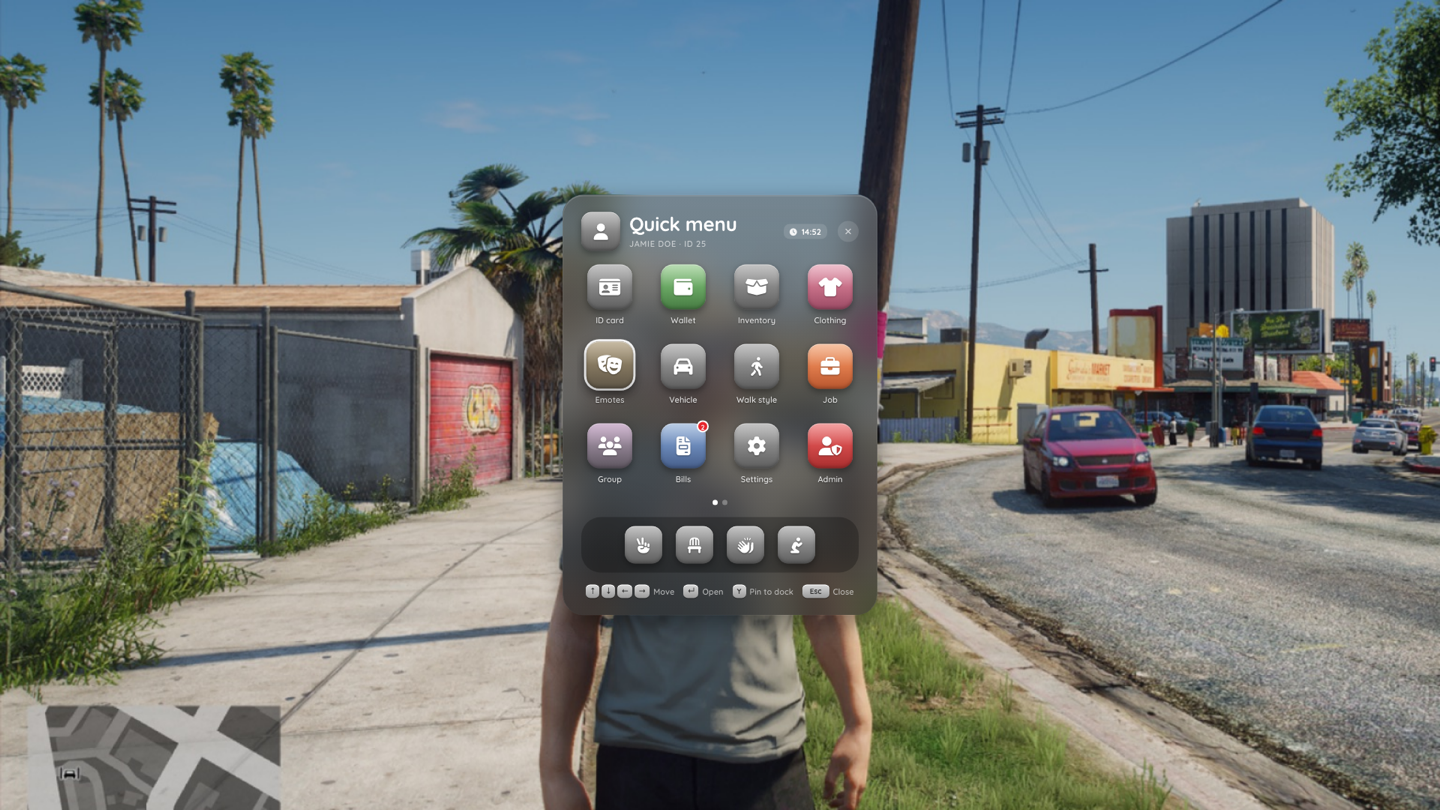 |
| Radial wheel | Context menu |
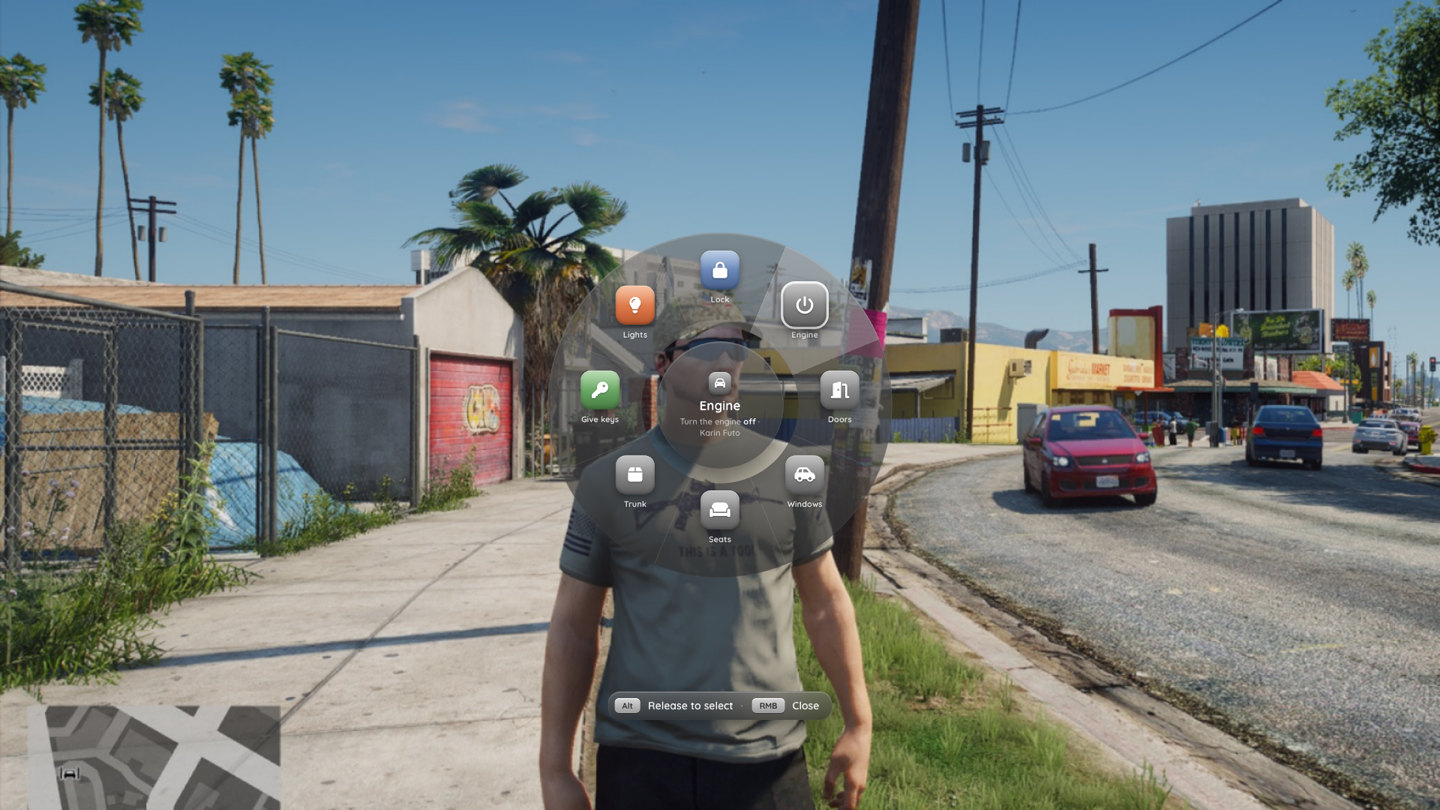 | 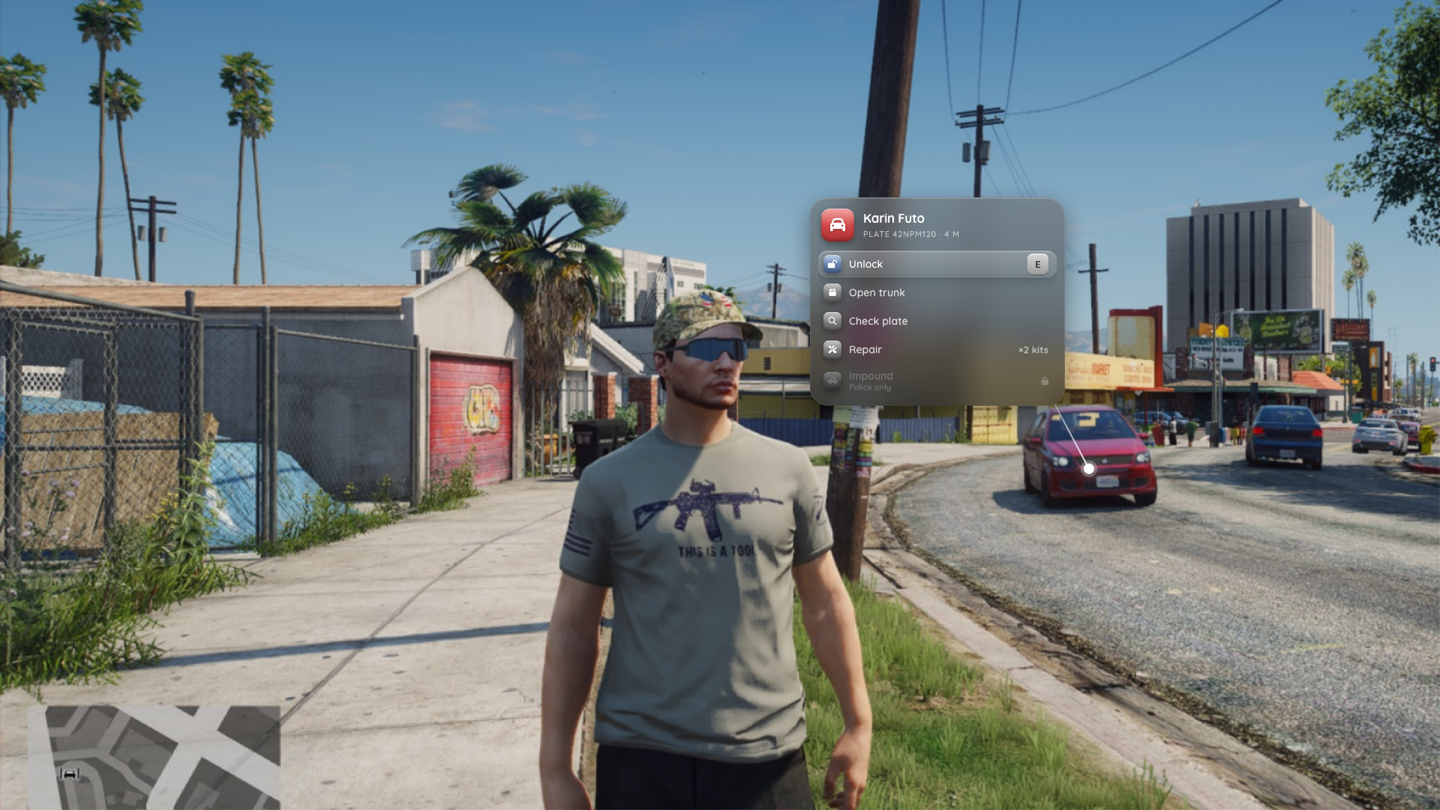 |
| Shop with preview card and cart | Input dialog |
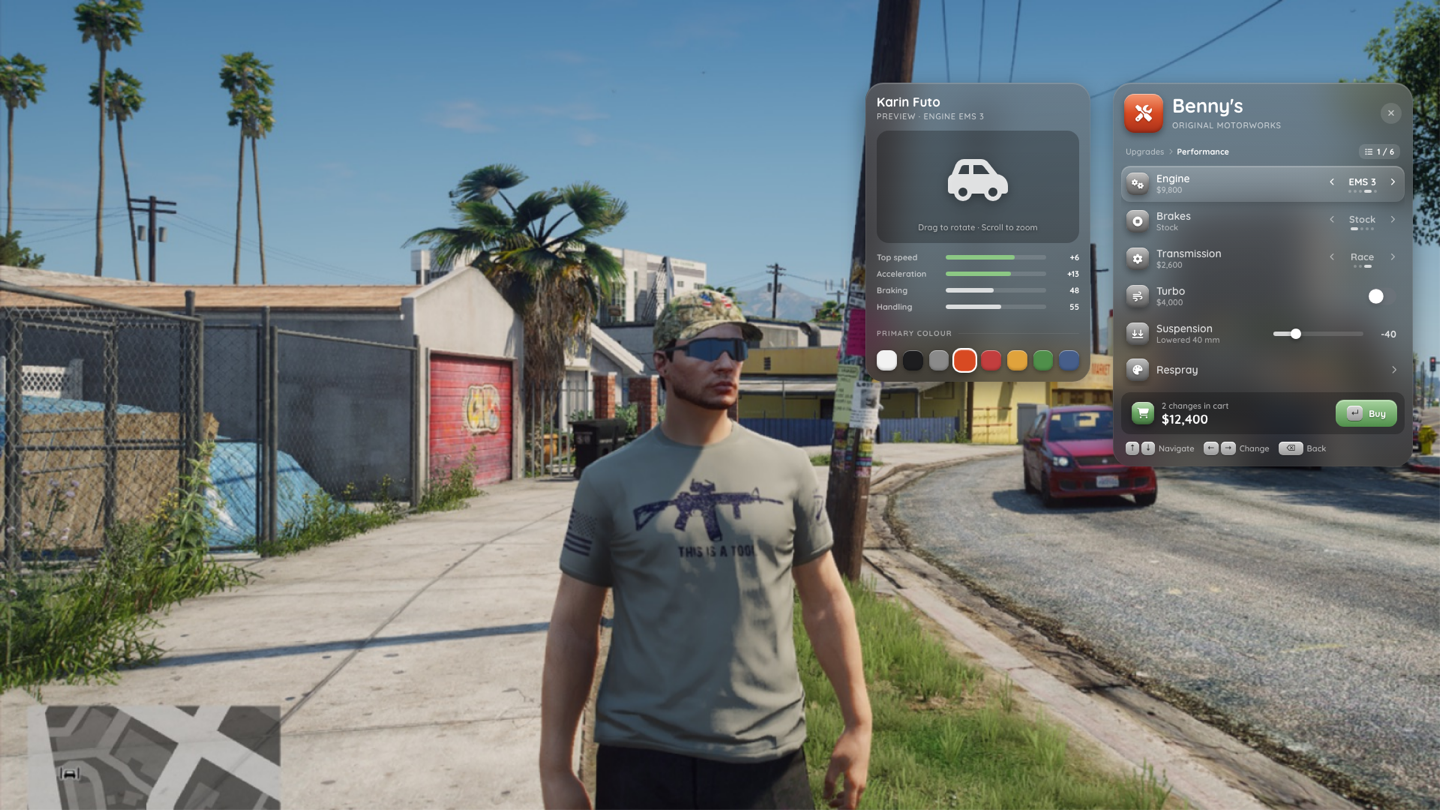 | 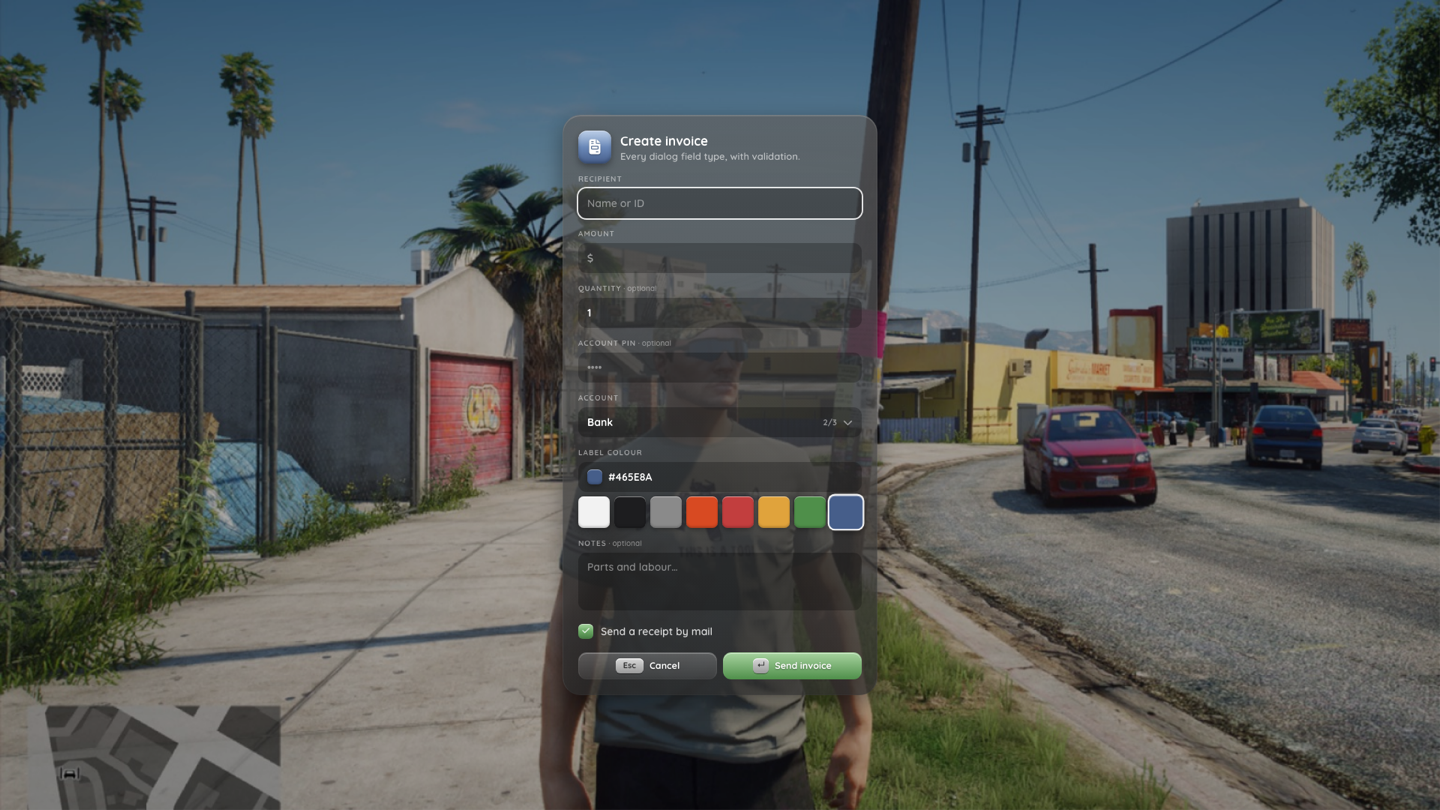 |
At a glance
- Walk mode by default: menus open without NUI focus, so players keep walking or driving. Lua reads the navigation controls and forwards them to the web. Focus is taken only while typing or when the cursor is toggled.
- 16 item types: button, action (confirm / danger / hold-to-confirm), info, number, list, slider, colour, input (text / number / password / money), keybind, checkbox, radio, switch, submenu, link, section and separator. See Item types.
- Row states: disabled with a reason, loading, cooldown, badge, pinned. Permissions per row:
ace, frameworkgroups/jobs, orcanInteract. Locked rows can stay visible with the reason. - Search: type to filter, optionally across submenus (
searchDeep), with breadcrumbs in the results. - Back stack that remembers the selected row per level. Submenus come from a registered menu or a
buildfunction. - Preview card and cart next to the menu for shops (stats with deltas, palette, image, buy button).
- Radial wheel with contexts (
vehicle,onfoot,player,ped,object, custom) and submenu rings. - Context menus anchored to an entity or coordinates, with a leader line and auto-close by distance.
- Server actions:
registerActionwith ace / group / job checks, rate limits, payload limits and error toasts. - Built-in menus: dev / admin tools, F1 quick menu, vehicle and player radial, a "third eye" context menu, a tuning shop, a clothing store and a settings menu. Each one can be switched off.
- Player settings in client KVP: position, density, frosted or Liquid Glass material, scale, sounds, language, focus mode. Server brand colour through
Config.Theme. - ox_lib compatibility layer (opt-in) for
registerMenu,registerContext,inputDialog,alertDialogand radial items. - Frameworks: qbx / qb / esx, auto-detected, or standalone. No database.
Quick example
exports.np_menu:register({
  id = 'my_menu', title = 'Garage', subtitle = 'Mission Row', icon = 'warehouse', tint = 'blue',
  items = {
    { type = 'button', label = 'Take out vehicle', icon = 'car', onSelect = function() print('take out') end },
    { type = 'slider', label = 'Fuel', icon = 'gas-pump', min = 0, max = 100, value = 80, unit = '%',
      onChange = function(v) print('fuel', v) end },
    { type = 'action', variant = 'danger', hold = 1200, label = 'Scrap vehicle', icon = 'trash', tint = 'red',
      server = 'my_garage:scrap', args = { plate = 'ABC123' } },
  },
})

exports.np_menu:open('my_menu')