
MDT np_mdt v0.3.0
MDT – Mobile Dispatch Terminal is a Discord bot plus a web board for roleplay agencies: emergency services, police, fire departments, or anything else you name yourself. It's hosted at mdt.npdev.eu, so you don't need a server of your own: invite the bot, run the setup wizard, done.
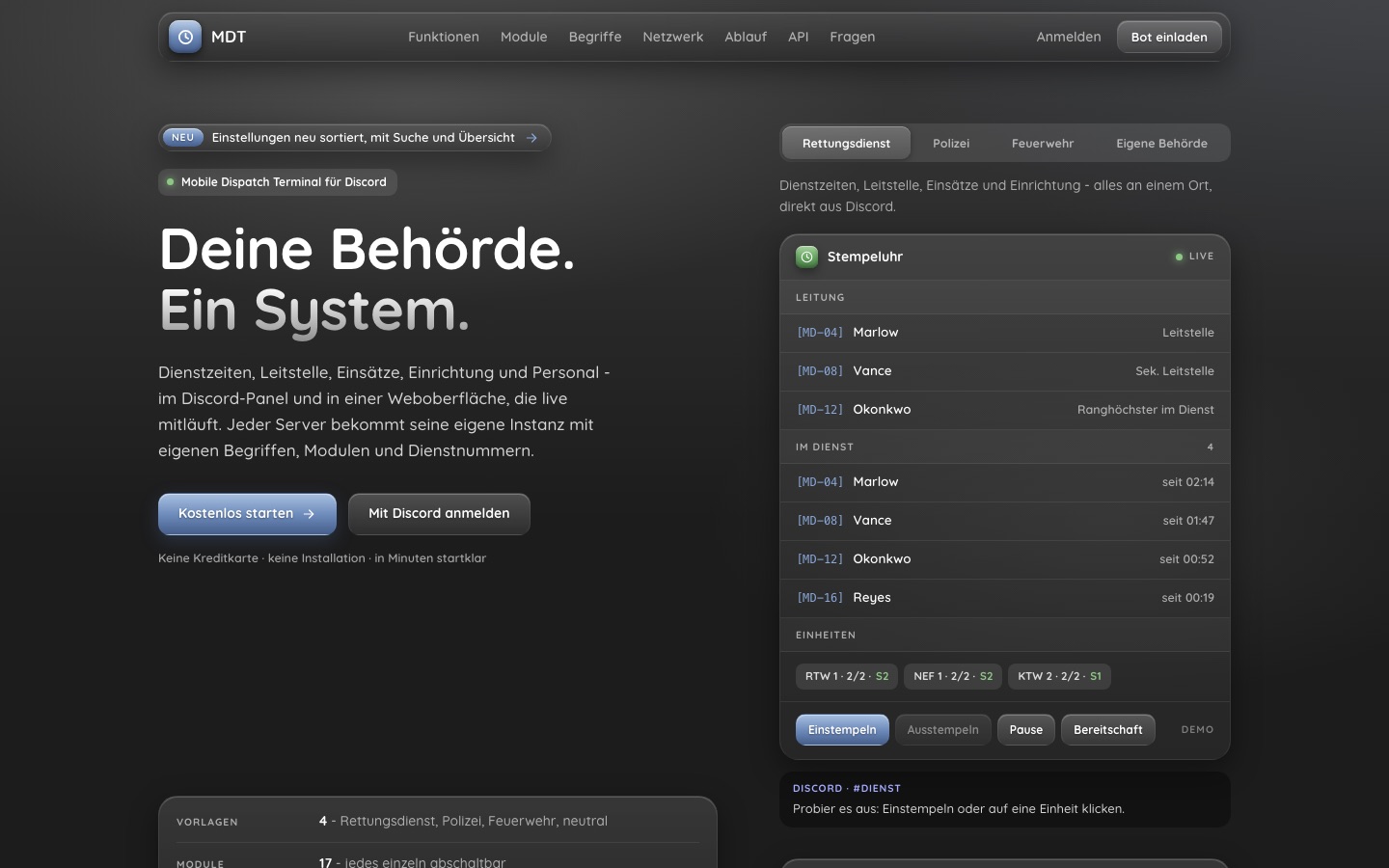
The MDT has three parts:
| Part | What it does |
|---|---|
| Discord bot | Time clock panel (clock in / out, break, standby), statistics posts, API keys. |
| Web board | The workspace at /dispatch/<guildId>: dispatch board, incidents, facility, personnel, documents and more. Login with Discord. |
np_mdt (optional) | A FiveM resource that connects your game server: calls to dispatch, unit status, clocking in from the game, the real MDT as an in-game tablet, and a medical simulation. |
The UI is German
The MDT itself is in German. These docs are in English and keep German UI labels where you'll see them literally, with an English gloss, e.g. Leitstellenblatt (dispatch board) or Einstellungen (settings).
How Discord and the web board fit together
- Every Discord server (guild) that invites the bot is its own, fully separate instance. Data, settings, terminology and API keys belong to exactly one guild.
- The Discord panel is where people clock in and out. The web board is where the shift runs: it shows who is on duty, which units are out, and everything else. Both read and write the same data, live.
- Logging in to the web board uses your Discord account. Only members of the guild get in, and what they see depends on their permissions.
- Most settings exist in both places. What
/setup,/paneland/apikeyconfigure can also be done in the web under Einstellungen → Stempeluhr (settings → time clock).
Modules
The time clock (Stempeluhr) is always on. Everything else is a module that each instance switches on or off; disabled modules disappear from the navigation and from the API.
| Module | Key | What it is |
|---|---|---|
| Leitstellenblatt | board | Dispatch board: who's on duty, units, crews, statuses, live for everyone |
| Einsätze | einsatz | Incident sheets with a map of Los Santos, people involved, timeline and handover |
| Bürgerregister | citizens | Citizen records; which fields are visible is decided by the owner's sharing rules |
| Fallakten | casefiles | Case files beyond a single incident (opt-in) |
| Einrichtung | facility | Buildings, rooms and beds (or cells, bays …), patient files |
| Verletzungen | injuries | Injury marking on a 3D body model |
| Personal | personal | Personnel sheet: staff, ranks, qualifications, your own columns |
| Kalender | calendar | Absences, appointments and reminders with Discord notifications |
| Kurse | courses | Courses with configurable sign-up fields and pass / fail actions |
| Dokumente | documents | Guidelines, forms, letterheads, read rights and public read links |
| Postfach | postfach | Applications and contact requests from Discord as cases (opt-in) |
| Statistik | stats | Leaderboards and charts, posted to Discord on a schedule |
| Listen | lists | Free-form lists with your own columns, including counters |
| Lager | lager | Stock and withdrawals |
| Versicherungen | versicherung | Insurance contracts, quotas and billing |
| Websites | sites | A public website for your agency (opt-in) |
| TV | tv | Presentations for in-game screens, with live slides |
The three opt-in modules (postfach, sites, casefiles) are off in every template, because they need setup before they show anything.
Templates and terminology
The setup wizard starts from one of four templates. A template sets the words the UI uses, the default modules and the badge prefix. All of it can be changed later.
| Template | Unit | Facility | Person | Badge prefix |
|---|---|---|---|---|
| Rettungsdienst (EMS) | Einheit | Einrichtung | Patient | MD |
| Polizei (police) | Streife | Wache | Insasse | PD |
| Feuerwehr (fire) | Fahrzeug | Feuerwache | Betroffener | FD |
| Neutral | Einheit | Einrichtung | Person | none |
The police template leaves out the injuries module. See Instances & permissions for the full list of terms.
Next steps
- Setup: invite the bot, run the wizard, publish the panel.
- Instances & permissions: ranks, capabilities, partner agencies.
- HTTP API: API keys and the most useful endpoints.
- np_mdt installation: connect a FiveM server.